
7 Essential DAW Music Production Tips for Modern Musicians
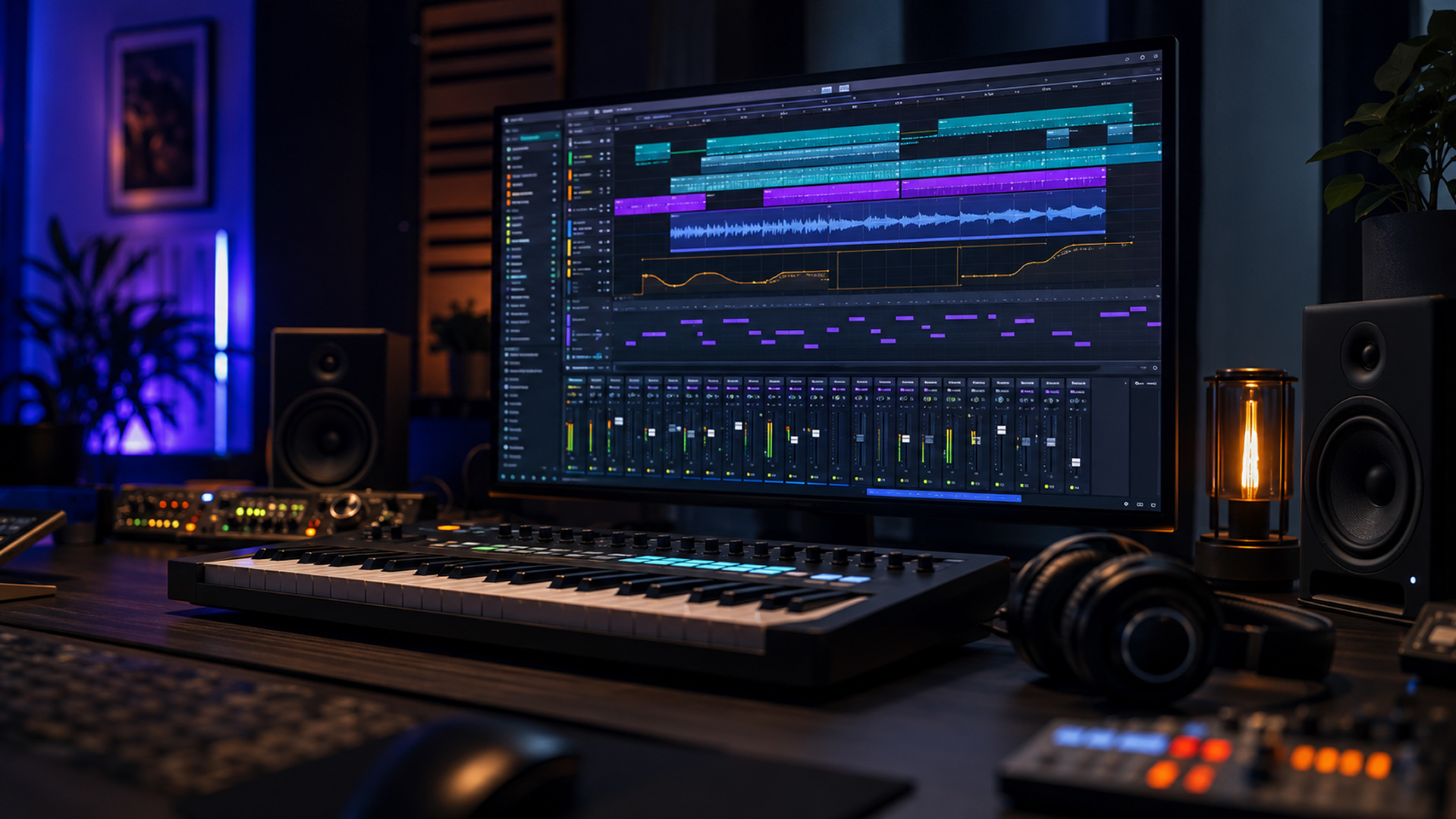
Music production has changed dramatically. What once required a large studio, mixing console, tape machines and racks of equipment can now be handled inside one computer.
At the centre of this transformation is the digital audio workstation, or DAW. Modern DAW music production allows musicians to record, compose, edit, arrange, mix and export music from a single environment.
That does not mean the computer creates the music for you. A DAW is still a tool, much like a piano or mixing desk. Used well, it removes technical barriers and helps ideas develop faster. Used poorly, it can become a very sophisticated distraction machine.
What Is a DAW Used for Today?
A modern DAW can serve as a recording studio, MIDI sequencer, virtual orchestra, effects rack and mixing console.
A singer-songwriter may use it to record vocals and guitar. An electronic producer may build an arrangement from synthesizers and samples. A film composer may control hundreds of orchestral tracks, automation lanes and tempo changes inside one project.
DAWs are also used for podcast editing, sound design, game audio and live performance. This flexibility has made professional music-making far more accessible to independent artists.
The Advantages of DAW Music Production
The greatest advantage is freedom. Audio can be edited without permanently damaging the original recording. Performances can be moved, trimmed, corrected, layered and reorganised until the arrangement works.
DAWs also make experimentation easier. You can try another tempo, replace an instrument, change the structure or compare several mixes without rebuilding the session.
Virtual instruments provide access to pianos, synthesisers, drums, orchestras and unusual sound-design tools. Automation can control volume, panning, effects and instrument expression with great precision.
Digital projects are also easy to revise later, provided the required files and plug-ins remain available.
Are There Any Disadvantages?
There are a few, although good habits can manage most of them.
Choice overload is a common problem. Thousands of plug-ins, presets and samples can make it tempting to browse rather than create. A larger collection does not automatically lead to better music.
DAWs can also encourage visual mixing. Because the screen displays waveforms, meters and curves, producers sometimes make decisions with their eyes instead of their ears.
Technical problems such as latency, missing samples, incompatible plug-ins and overloaded processors can interrupt creativity.
Endless editing is another danger. When every note can be adjusted forever, finishing a track becomes harder than starting one. At some point, the music needs a decision rather than another revision.
1. Choose a DAW That Matches Your Workflow
There is no single best DAW for every musician. Most professional options can record, edit, sequence MIDI and mix at a high level. The important difference is how they encourage you to work.
REAPER: The Best All-Round Starting Point
REAPER deserves the first recommendation because it is efficient, highly customisable and unusually flexible.
Its routing can handle simple recordings or large projects, while custom actions, screensets, templates and mouse modifiers let users shape the program around their own workflow.
It supports many third-party plug-in formats and offers a fully functional 60-day evaluation. REAPER is especially attractive to composers, engineers and technically curious producers who want power without unnecessary bulk.
Other DAWs Worth Considering
Ableton Live is an excellent option for electronic music, loop-based composition, experimentation and live performance. Its workflow makes it easy to capture musical ideas and rearrange them quickly.
Logic Pro offers a broad collection of instruments, effects and production tools for Mac and iPad users. It is particularly strong as an all-in-one songwriting and production package.
Cubase is a strong choice for detailed MIDI work, composition, recording and mixing. Its extensive toolset is well suited to producers who want precise control over arrangements and musical data.
FL Studio is especially approachable for beat-making, pattern-based writing and rapid idea generation. Image-Line also promotes lifetime free updates for registered users.
Pro Tools focuses strongly on professional recording, audio editing and mixing, especially in studios already built around the Avid ecosystem.
2. Build Templates for Repeated Tasks
Starting every project from an empty session wastes time.
Create templates containing the tracks, buses, instruments, effects sends and routing you use regularly. A composer might prepare string, brass, woodwind and percussion folders. A singer-songwriter might create vocal, guitar, reverb and monitoring tracks.
A template does not force every song into the same shape. It simply removes repetitive setup so you can reach the creative stage faster.
3. Separate Writing, Editing and Mixing
Trying to compose, edit and master at the same moment can slow everything down.
During writing, focus on melody, rhythm, harmony and structure. During editing, clean up performances and timing. During mixing, concentrate on balance, tone, depth and dynamics.
These stages will naturally overlap, but giving each one a primary purpose reduces decision fatigue.
It also prevents you from spending twenty minutes perfecting a sound in a section that may later be deleted.
4. Keep Projects Organised From the Beginning
Name tracks clearly. Use folders for related instruments. Apply colours consistently and place markers at important sections such as the intro, verse, chorus or climax.
Save audio inside the project folder rather than scattering files across the computer. When collaborating, export clearly labelled stems that begin from the same timeline position.
Organisation may not feel particularly artistic, but neither does searching for “Audio Recording 37 Final Newest Really Final.wav” at two in the morning.
5. Learn Shortcuts Before Buying More Plug-ins
One of the best ways to improve DAW music production is to reduce the distance between an idea and the action needed to realise it.
Learn shortcuts for splitting, trimming, duplicating, zooming, recording and opening the MIDI editor.
In REAPER, custom actions can combine several commands into one shortcut. This can be especially valuable for repetitive editing, recording and orchestral production workflows.
Knowing your software deeply will usually improve productivity more than adding another expensive plug-in.
6. Manage Latency and Computer Resources
Low audio-buffer settings are useful while recording because they reduce the delay between performing and hearing the result.
Higher buffer settings are usually safer during mixing, when a project contains more virtual instruments and effects.
Freeze or render demanding instruments when necessary. Disable unused plug-ins and avoid adding processor-heavy effects to every track simply because they are available.
A project that plays reliably keeps your attention on the music rather than the CPU meter.
7. Save Versions and Back Up Everything
Use numbered project versions instead of repeatedly overwriting one file. Save a new version before major arrangement changes, detailed editing or mix revisions.
Keep at least one backup outside the main computer. Important projects should also include consolidated audio or stems, MIDI files and notes about essential plug-ins.
DAWs make revision easy, but only when the files still exist.
Conclusion: Let the DAW Support the Music
Modern DAW music production gives independent musicians an extraordinary amount of control. One person can now compose, record, edit and mix a complete release from a home studio.
The advantages are enormous, but efficiency requires discipline. Choose software that suits your way of thinking, build practical templates, organise projects carefully and avoid confusing unlimited options with genuine creativity.
REAPER is an excellent first choice because it can remain simple when needed and expand into a deeply customised production environment as your skills grow.
Still, the best DAW is ultimately the one that helps you finish music consistently.
Learn the tools, then stop staring at them. The goal is not to operate a DAW perfectly. It is to make music worth hearing.
I’m no way affiliated with any DAW names nor companies, if any, mentioned in this article. You can check Reaper at https://www.reaper.fm/
You can go back to homepage or visit the website of the mobile game that I’m currently building.




Comments
This post currently has no comments.